Modules, modularity & reuse in CDS models - part 1 - an introduction
In this first post of a new series I look at the using directive in CDS modelling, and how NPM modules can be fundamental building blocks in modularity and reuse.
(Get to all the parts in this series via the series post.)
You know the drill: instead of inventing your own versions of core model building blocks over and over again, use common types and aspects for reuse, like this:
using {
  managed,
  cuid,
  Currency
} from '@sap/cds/common';

namespace qmacro;

entity Books : managed, cuid {
  title    : String;
  price    : Decimal;
  currency : Currency;
  ...
}
There are plenty more great reasons to use
@sap/cds/common, by the way.
But how does that using ... from actually work, what is going on with what
looks like some sort of NPM module reference, i.e. @sap/cds/common?
Imports and model resolution
The Model Imports section
of the CDL topic in Capire explains it. Basically, model definitions, most
commonly in .cds files, can be imported from relative or absolute paths, or
from NPM modules. Either way, the reference will result in a file specification
or a directory specification; if it's a directory, then an index.cds will be
loaded from within.
In addition to
.cds, file extensions.csnand.jsonare also supported. In fact it's good practice to omit the extension when specifying an import source, to allow these possibilities to be automatically enumerated.
Of course, for an NPM module source to be used, it has to be present, i.e.
added to the project (thus the resolved path will be within the project's
node_modules/ directory).
The @sap/cds/common reference, shown in the code snippet above, is a special
case, in more ways than one:
- As
@sap/cdsis fundamental to any CAP Node.js project, it's always going to be available - Even if it's not there locally, i.e. if an initial project
npm installhasn't been executed, it's still available from the global CAP Node.js runtime - It's a reference to a location within the
@sap/cdsmodule, i.e. tocommon
That reference also follows the good practice of not using an extension;
common here translates into the file common.cds within @sap/cds in the
project's node_modules/ directory (or the global one in special case #2).
So NPM module based sources, including @-prefixed ones, work pretty much
exactly the same way as plain file or directory references, such as this
classic:
using {sap.capire.bookshop as my} from '../db/schema';Modules in the capire namespace
In the August 2025 release of CAP, which I covered in detail in this SAP Developer News episode, the new capire org on GitHub was announced, as the home of docs and samples for CAP.
In this org there are already plenty of CAP project repos, including those originally contained in the (now archived) sap-samples/cloud-cap-samples repo. In their new home, though, there are some intriguing differences.
Module capire/bookshop
Take capire/bookshop for example.
First, it's on its own, in fact all the CAP projects from within the
sap-samples/cloud-cap-samples monorepo have been "exploded" out into
individual repos. Why? The clue is "reuse".
Augmenting that one-word clue is the fact that there's also an NPM package1:
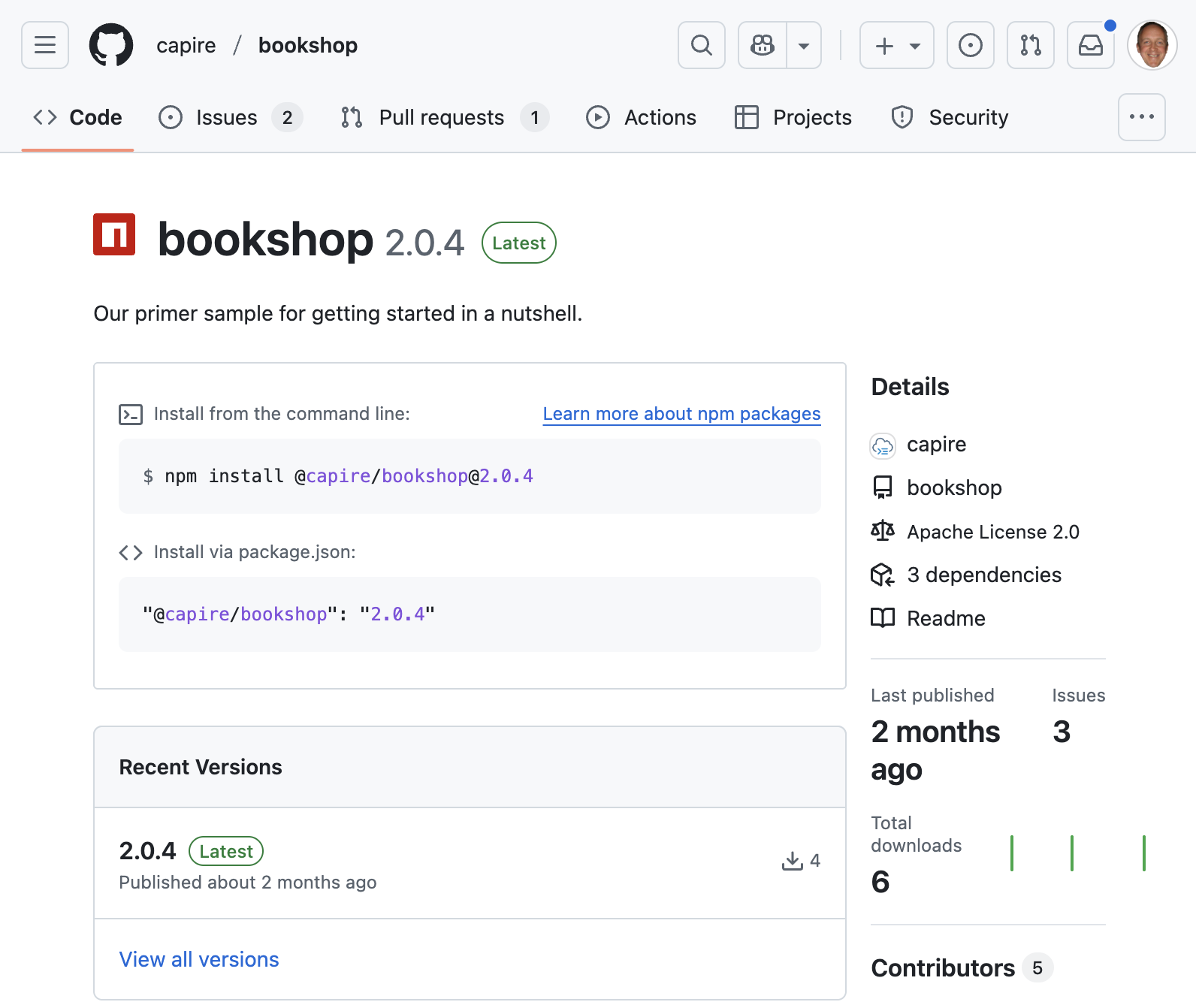
Where is this thing? What's it for? How would one use it? How does it work? How do I create my own? I aim to answer these questions, and more, over the course of the subsequent posts in this series.
Regarding the "how would one use it?" question, I have already covered the mechanics of retrieving a module from the NPM registry within GitHub Packages in Using @capire modules from GitHub Packages.
To whet our appetite, let's round this blog post off with a quick look at
another module in the capire namespace.
Module capire/common
Alongside capire/bookshop in the list of repositories in the capire org there's capire/common, explicitly denoted as "a reuse content package".
Its README tells us
that it's a plugin that extends @sap/cds/common while also providing
enhanced reuse data.
Looking at the entire structure of the module, we see:
.
├── LICENSE
├── cds-plugin.js
├── currencies.cds
├── data
│   ├── sap.common-Countries.csv
│   ├── sap.common-Countries_texts.csv
│   ├── sap.common-Currencies.csv
│   ├── sap.common-Currencies_texts.csv
│   ├── sap.common-Languages.csv
│   └── sap.common-Languages_texts.csv
├── index.cds
├── package.json
├── readme.md
└── regions.cds
Most of the files contain data in CSV form, and there are a couple
of CDS files brought together via an index.cds file:
        index
          |
    +-----+-----+
    |           |
currencies   regions
(more on that index file mechanism later in this series).
There's also a cds-plugin.js file (see the CAP Node.js
Plugins series post for links to
videos and blog posts on how plugins are constructed) as this is built to function
as a plugin.
There's not much to this module, but it certainly packs a punch! Using it will cause all sorts of goodness to be brought into play in your CAP project.
Active vs passive
Later on in this series I'll come to use the term "active" for this sort of plugin-based reuse module, as opposed to "passive" for a reuse module that isn't a plugin.
Wrapping up
In an upcoming post in this series, we'll set up a simple CAP Node.js project and
then introduce this @capire/common reuse module and observe what happens. Not only
that, but we'll endeavour to understand why and how things happen as they do.
But we want to walk before we can run, so before that, we'll look at creating our own basic reuse module, to understand the simplest thing that could possibly work, and learn along the way not only how to develop and test that module locally, but also how to then add it to the NPM registry on GitHub Packages.
Until next time, happy reuse!
Next in this series: Creating a simple reuse package.
Footnotes
- The terms "package" and "module", in the context of NPM, can be used interchangeably. I chose "module" here as it feels more appropriate in how they are to be used to construct the overall CDS model, and also because it helps me put some alliteration into the title of this post :)